
SAM Broadcaster
Read now-playing exports and deliver finished WAV elements through the included SAMQueue/PAL workflow.
Product capabilities
Airwave AutoJock Bridge is a Windows production bridge for radio stations that want intelligent voice content without handing control of the music log to a separate system.
Automation connections
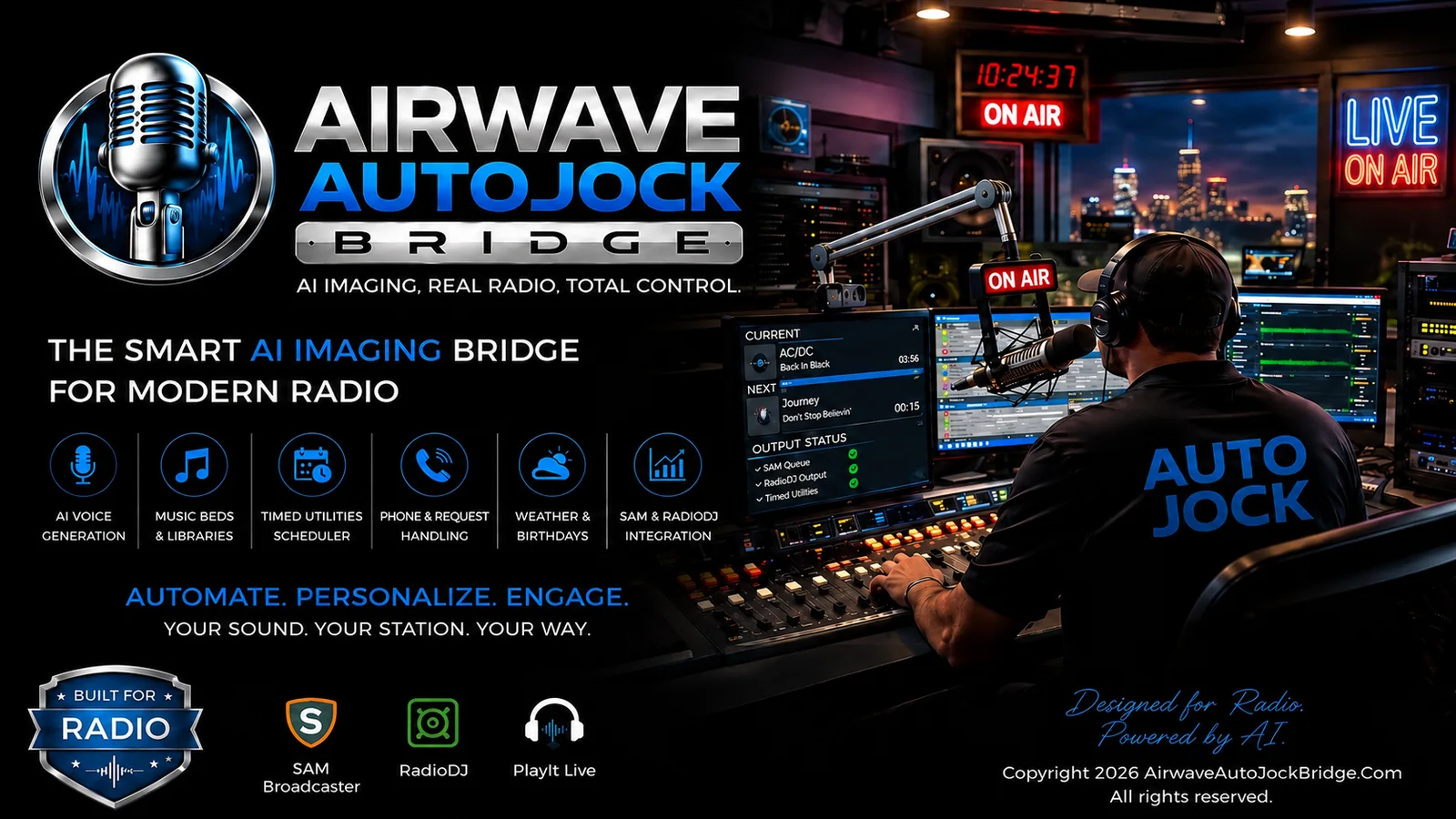
Airwave can monitor SAM Broadcaster, RadioDJ, PlayIt Live text exports, and compatible generic metadata. It reports a green connection only after valid current-song data is received.
Read now-playing exports and deliver finished WAV elements through the included SAMQueue/PAL workflow.
Read current metadata, enrich upcoming-track information through the database or Airwave Queue Bridge, and deliver generated WAV files.
Monitor supported text, CSV, pipe-delimited, and JSON formats for PlayIt Live or another automation source.
Virtual DJs and voices
Keep Country, Gospel, Rock, Christmas, Oldies, Latin, Pop, News/Talk, and other persona groups separated for scheduling.
Lock a DJ to the intended TTS provider, model, and voice, or unlock the chain and save an approved custom choice for that persona.
Create two-, three-, four-, or six-hour shift boards with no-repeat scheduling while enough installed personalities are available.
Install external Airwave persona packs and prepare for format packs containing multiple Virtual DJ prompts per genre.
Preserve the Google-only five-turn DJ and caller structure with separate voices and caller-only phone processing.
Use configured Google AI Studio, ElevenLabs, and OpenAI paths according to Airwave’s content and safety rules.
Straightforward licensing
Every paid plan unlocks the same Airwave application for one activated computer at a time.
Monthly
$19.99 / month
Month-to-month software access with no ownership credit.
Path to ownership
Rent To Own
$29.99 / month
12 successful calendar-month payments convert the qualifying license to Lifetime.
Lifetime
$199.99 one time
Permanent ownership without recurring monthly payments.
Airwave is provided as-is. A free 14-day trial is available so stations can confirm compatibility before purchasing. Completed payments are final under the published Sales Policy.
The 14-day trial is the best way to confirm automation exports, voices, music beds, and provider credentials.